Admin
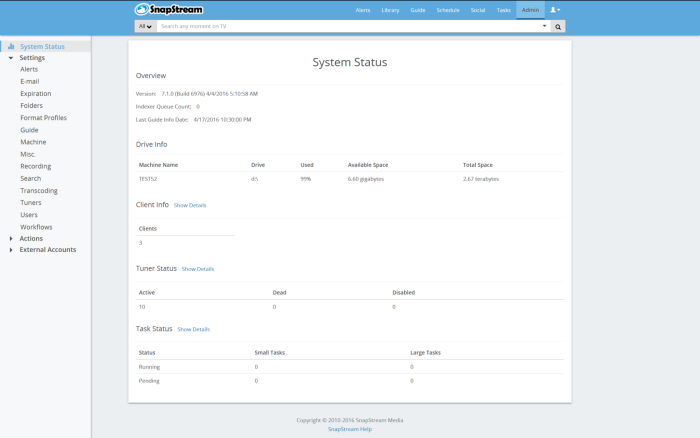
The Admin section of the web interface offers configuration options for your SnapStream system, as well administrative actions . If you have a server cluster, the Admin page on the master node includes configuration for all members of the cluster.
The Admin section includes the following pages:
Settings
Actions
External Accounts
The default page in this section is View Status: